Your next double act
AI Rapper Videos With Your Own Duo Photos
Put your own duo on screen in an AI rapper video built around your personalities. Choose two portraits or one photo together, pick a scene and available video settings, and optionally add a story about the pair. Confirm the credit quote to generate, then watch and download the completed MP4 in My videos.
Choose your photos, scene and video settings, then confirm the credit quote to generate.

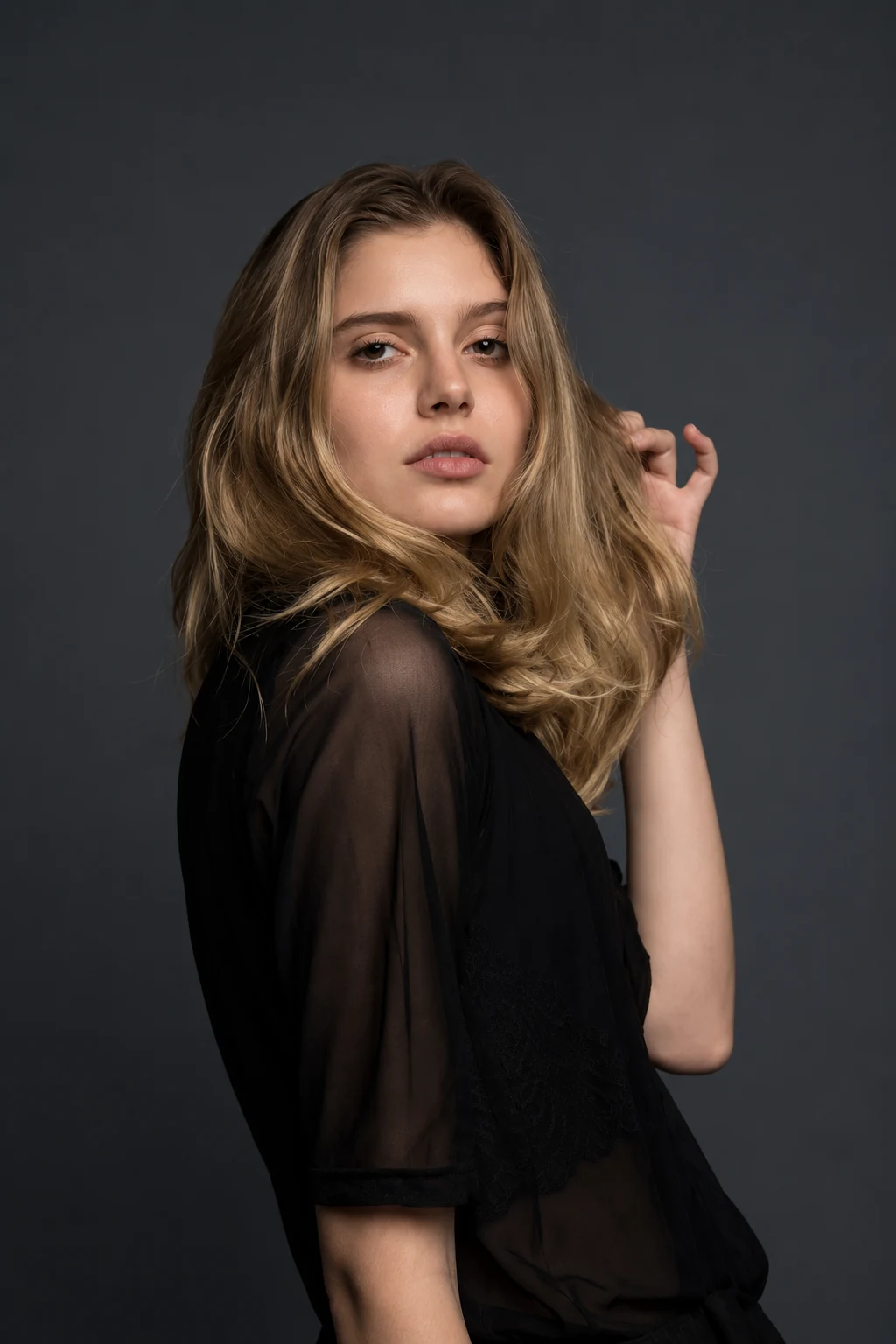
Okay, who’s your duo?
Bring the faces. We’ll help you set the stage.
A little inspiration for your duo.
Friends, birthdays, and a little friendly competition.
Two photos. One shared studio.
Add your photos, choose a scene, and make a rap video together.
How to make an AI rap video- 01
Bring your favorite faces.
Add one portrait of each person, or one photo together. Use clear, well-lit faces.
- 02
Give the idea a direction.
Choose a stage and one personal topic: a birthday, a friendly battle, or an inside joke.
- 03
Confirm and generate
Review the video settings and credit cost. Confirm the quote, then find the finished video in your library.
Define the person viewers should recognize
Start with a portrait that feels like you. Clear facial detail and a natural expression give a character concept a stronger foundation than heavy filters or an image where the face is hidden.
Then name two or three traits you want the performer to express, such as dry humor, easy confidence, or enthusiastic storytelling. Choose traits that fit the subject instead of building a generic celebrity persona.
Make the partner part of the identity
Stage presence changes when another person shares the scene. A storyteller might need a skeptical partner; an excitable performer might work well beside someone calm. The contrast should reveal something about both people.
- Explain what connects the two performers.
- Give each person a distinct role in the exchange.
- Choose a setting where both roles make sense.
Understand the rap video's output and voice limits
PixRap's output is a generated rap video featuring your duo, available as an MP4 in My videos. Photos guide the performers' appearance, and an optional topic guides the story. The workflow does not offer voice cloning or standalone audio export; review the completed video's picture and sound before sharing.
Develop the visual idea in your own terms. Your clothing, favorite sayings, and shared experiences can establish a recognizable persona without borrowing an artist's name, copied lines, or a cloned vocal identity.
Before you step up to the mic.
Answers about photos, video settings, and credits.
Does PixRap clone my voice from a photo?
No. PixRap generates a duo rap video from the photo references; it does not clone your voice or a famous artist's voice. You can watch and download the completed MP4 in My videos, with no standalone audio export.
Can the persona be playful rather than realistic?
Yes. You can plan an exaggerated stage personality while keeping the face recognizable. Anchor the exaggeration in a real trait or shared joke.
Should both people have the same personality?
They need a shared connection, not identical traits. Complementary roles often make the duo easier to understand and give each person room to contribute.
Ideas from the studio.
Read a guide, find a topic, and bring it back to the same studio.