Your next double act
AI Music Video Generator From Photos
Build a short rap performance around two people viewers recognize. With PixRap's AI music video generator, choose two portraits or one photo together, a scene, and available quality, length, and aspect ratio. Add an optional shared story, confirm the credit quote, then view and download the completed MP4 in My videos.
Choose your photos, scene and video settings, then confirm the credit quote to generate.

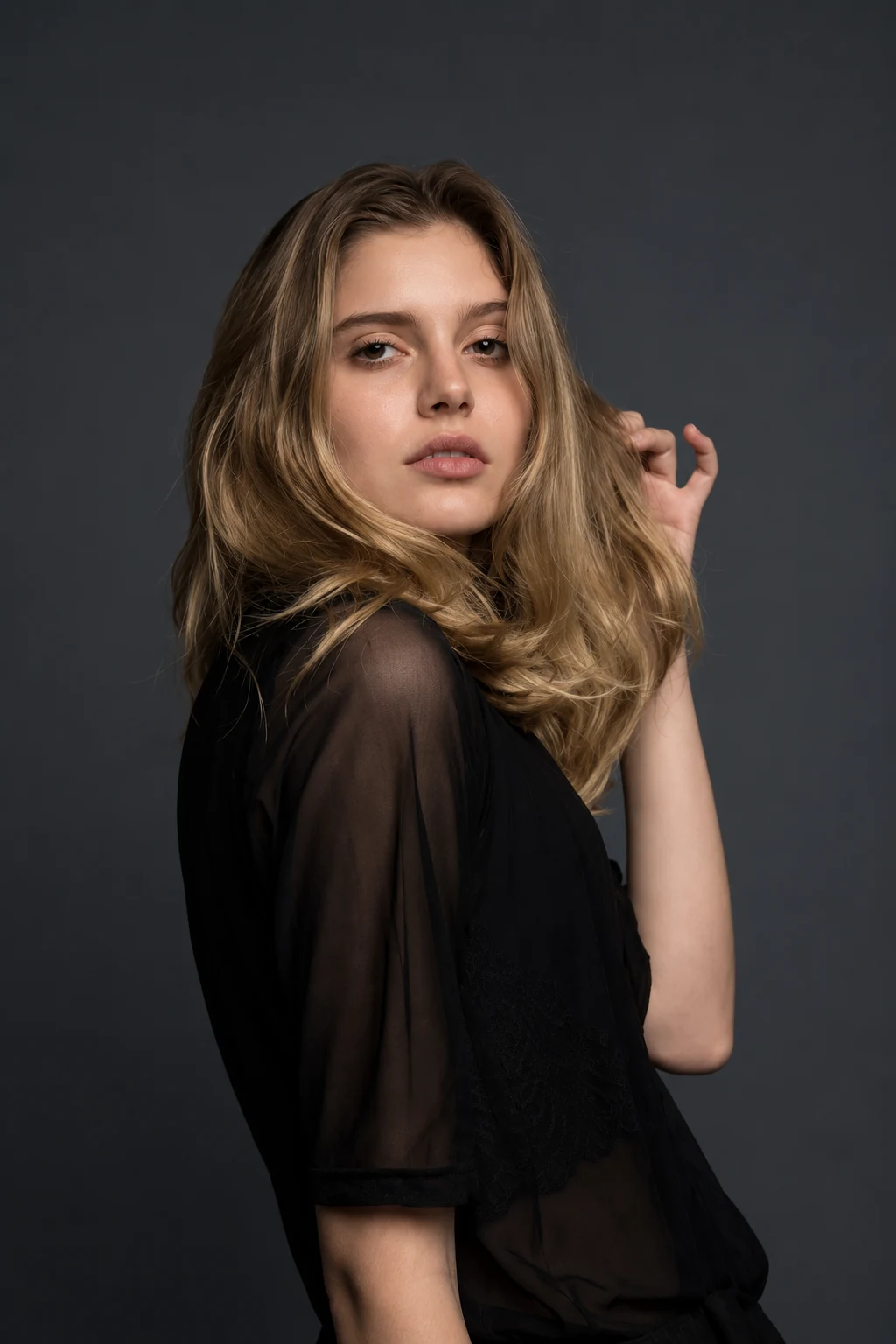
Okay, who’s your duo?
Bring the faces. We’ll help you set the stage.
A little inspiration for your duo.
Friends, birthdays, and a little friendly competition.
Two photos. One shared studio.
Add your photos, choose a scene, and make a rap video together.
How to make an AI rap video- 01
Bring your favorite faces.
Add one portrait of each person, or one photo together. Use clear, well-lit faces.
- 02
Give the idea a direction.
Choose a stage and one personal topic: a birthday, a friendly battle, or an inside joke.
- 03
Confirm and generate
Review the video settings and credit cost. Confirm the quote, then find the finished video in your library.
Start with the performers and their relationship
A photo-led concept asks who is on screen and why they are together. Friends celebrating a milestone need a different visual story from two siblings staging a playful disagreement.
PixRap generates a rap video around the pair from your photos and chosen settings. It does not accept an existing audio track for editing footage to its beats, cuts, or song sections.
Create one coherent visual world
Choose a setting that supports the subject rather than competing with it. A strong concept can stay in one place when the performers' relationship and the central idea are clear.
- Use portraits with compatible lighting and visible facial detail.
- Describe a single mood, such as warm celebration or playful confidence.
- Keep clothing, background, and story details consistent with that mood.
Outline a performance that could develop
Think in three simple moments: introduce the pair, reveal the shared situation, and finish on a visual or verbal callback. Summarize that idea in the optional story field to guide generation without a complicated storyboard; review the result to see how it interpreted your direction.
Review the concept by asking whether each moment adds information. A change of location is useful only when it serves the story; the duo's interaction can often carry the idea more clearly.
Before you step up to the mic.
Answers about photos, video settings, and credits.
Is this an editor for an existing song?
No. PixRap starts with two portraits or one photo together and generates a duo rap video. It does not accept an uploaded song or provide an audio-to-music-video editing workflow.
Do my photos need matching backgrounds?
Matching backgrounds are less important than readable faces and compatible framing. Choose portraits that make both people easy to recognize in the planned scene.
What should a useful visual brief include?
Name the performers, their relationship, the topic, and the intended mood. Add one opening idea and one ending idea so the concept has a clear shape.
Ideas from the studio.
Read a guide, find a topic, and bring it back to the same studio.